← All work
Case study · Client work
Voice consultations with an LLM virtual patient
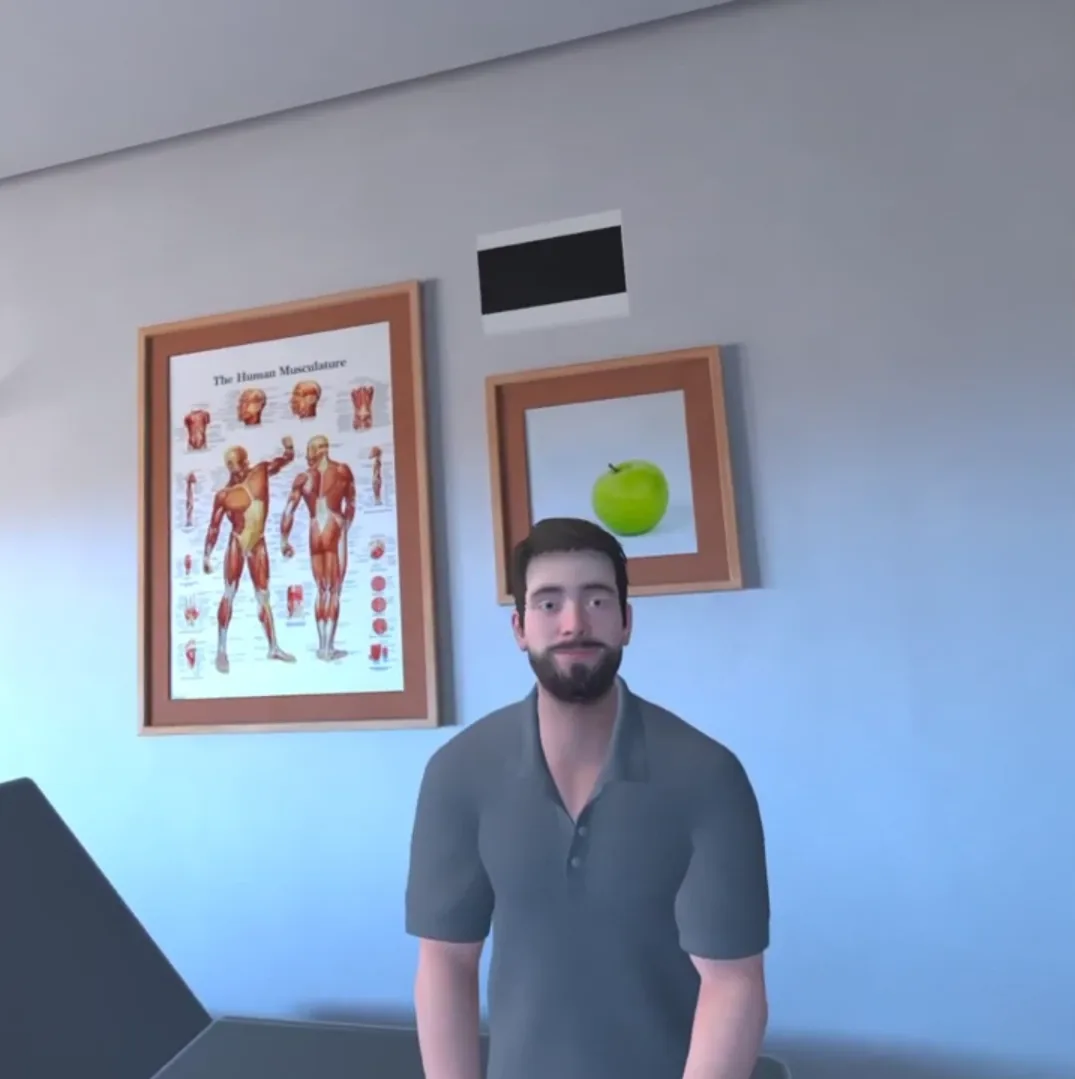
A VR medical-training scenario where trainees talk out loud to a virtual patient and get a spoken answer back, powered by OpenAI's speech-to-speech Realtime API soon after it was released.
The problem
Consultation training depends on conversation. Scripted dialogue trees limit what a trainee can ask, so the project used a large language model as the patient: the trainee speaks naturally and the patient answers by voice.
What I built
- Early adoption. The integration used OpenAI's speech-to-speech Realtime API shortly after it first became available.
- Microphone capture in Unity. I captured the trainee's voice from the headset microphone inside Unity.
- Chunking and streaming. I split the audio into chunks and streamed them to GPT through a WebSocket layer that a colleague built, so the conversation runs in real time instead of waiting for whole recordings.
- Spoken replies in the scene. The model's audio reply plays back as the virtual patient's voice.
How it works
The highlighted step is the part I owned: getting live microphone audio out of Unity in a form the realtime API accepts, fast enough for the exchange to feel like a conversation.
Audio path from the trainee's microphone to the model and back to the virtual patient.
Client work under confidentiality. The client and product name are left out on purpose. The screenshot is from in-headset footage; the diagram shows how the system works.